.svg)


.svg)





Connect Submittals from Autodesk to schedule activities.
Submittals made in Autodesk sync directly to Outbuild and link to the right schedule activity. You can see approval status and key dates clearly. This way, your team knows what’s pending, what’s approved, and what might impact the schedule before issues arise.
Get a personalized demo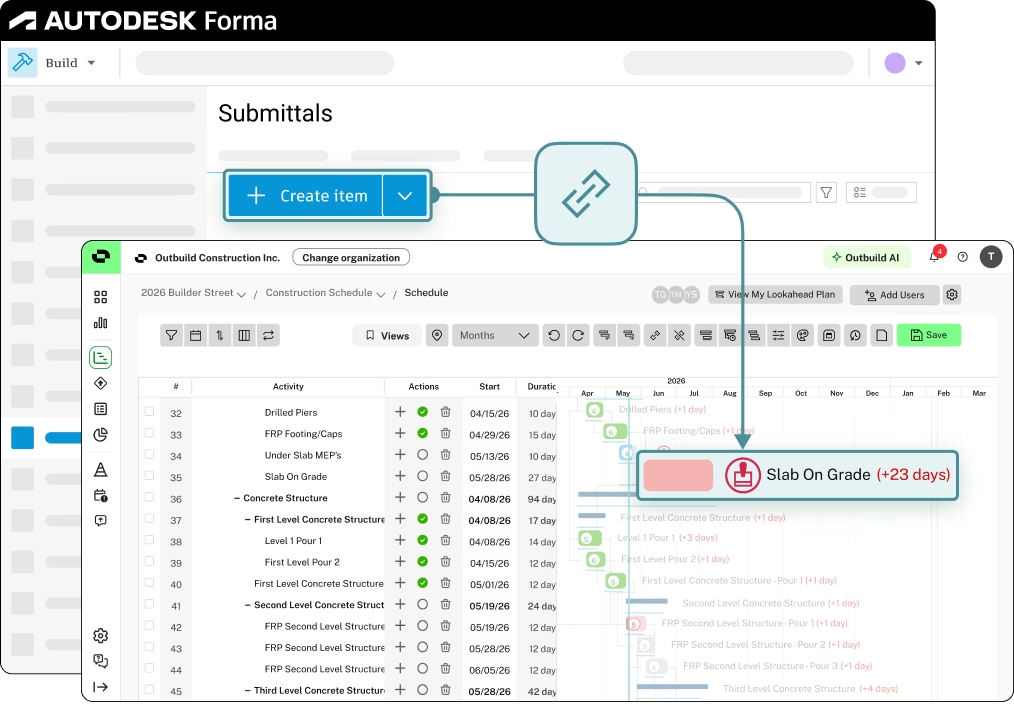
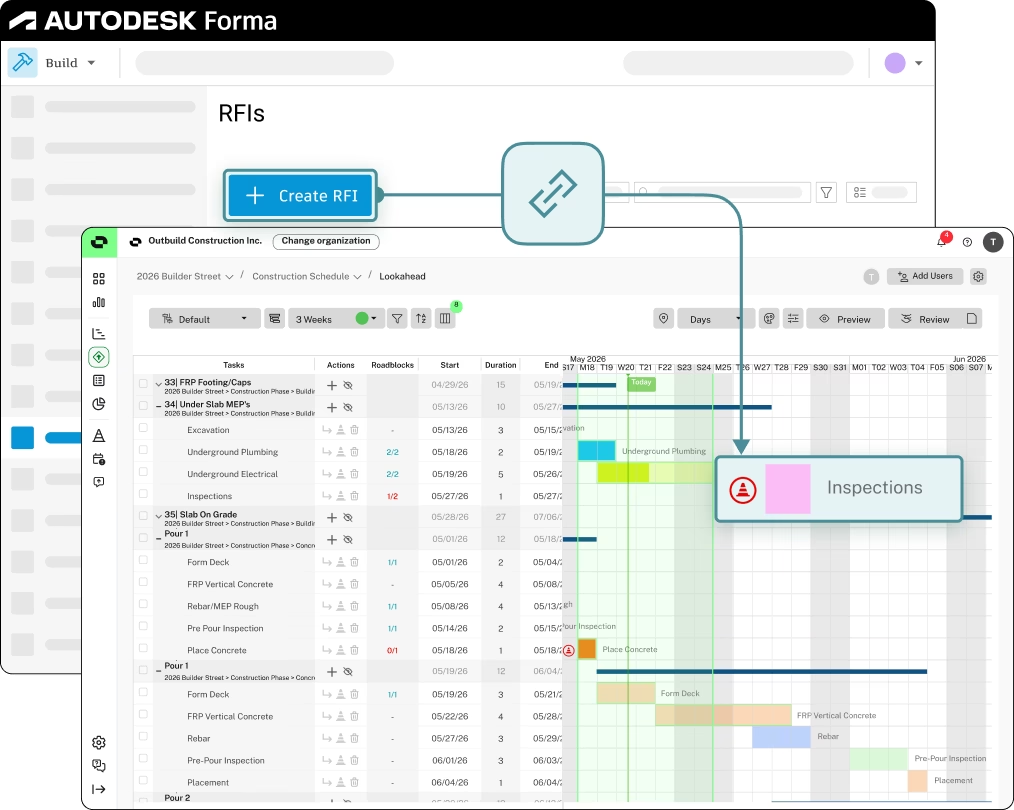
Stay on top of RFIs and keep the plan on track.
RFIs created in Autodesk automatically surface in Outbuild as Roadblocks and get linked to the tasks they affect. Your team gets visibility into RFI statuses, questions, what’s impacted, and who needs to take action — all in context of the schedule.
Surface Autodesk drawings directly in Lookahead tasks.
Drawings and sheets from Autodesk link directly to Lookahead tasks in Outbuild, keeping the latest versions accessible in the field where the work is happening. No more hunting for the right drawing and no costly rework from working off outdated ones.
Get a personalized demo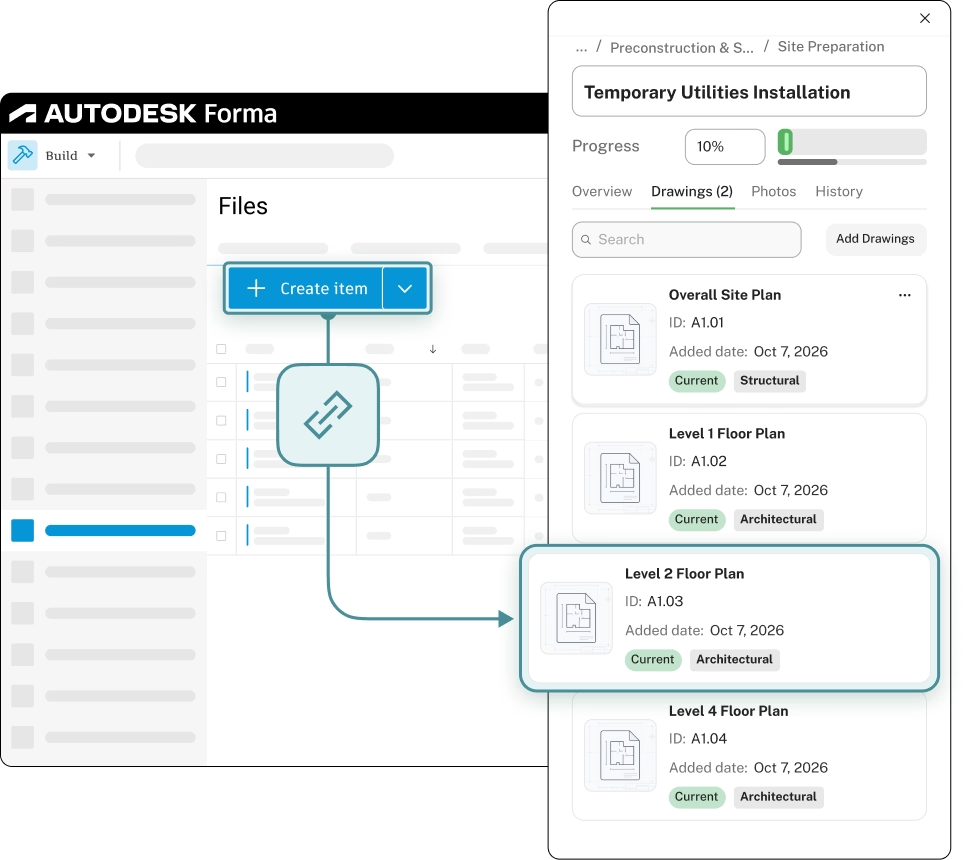
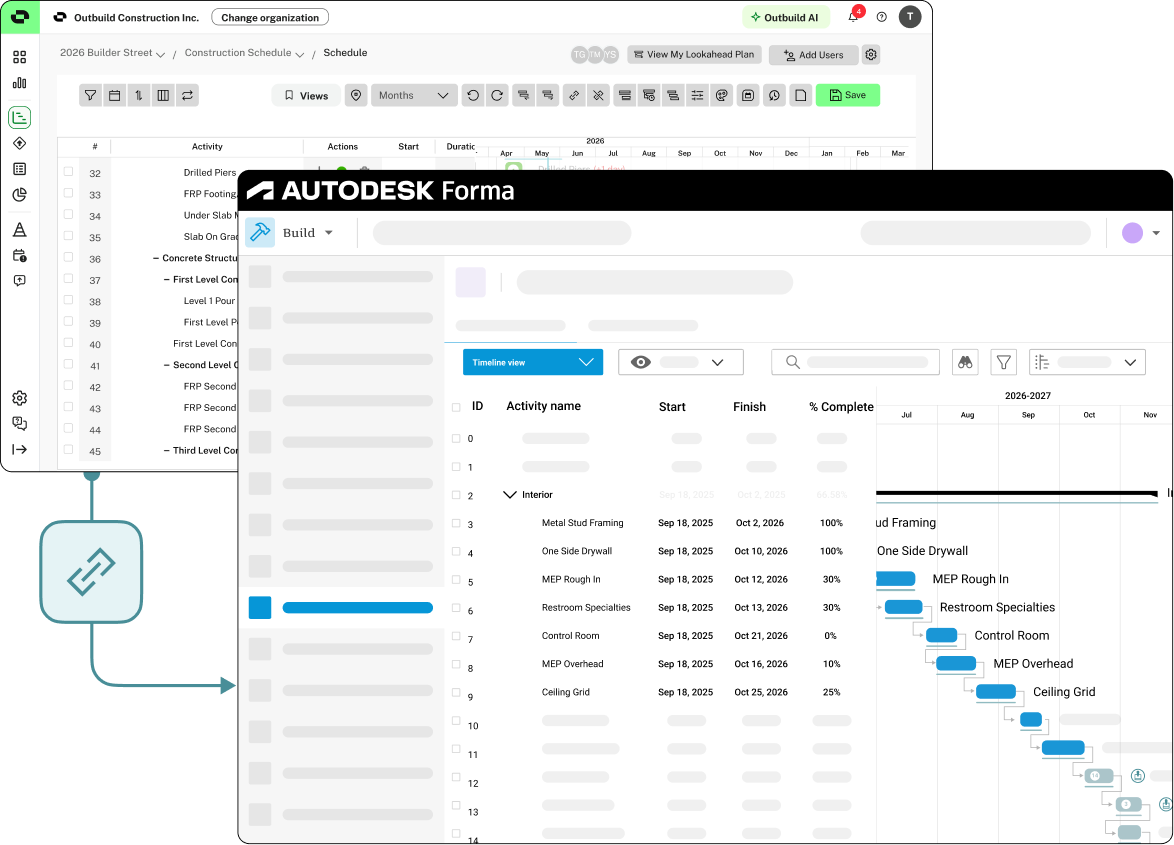
Your Outbuild schedule, always current in Autodesk Forma.
Once connected, you can syncs Outbuild schedules to Autodesk Forma. Make sure your team and project partners can always access the right schedule. This helps keep work plans, decisions, and costs on track
Get a personalized demoWhat our customers are saying.
From billion-dollar companies to smaller family-owned businesses. They all believe that construction deserves a better scheduling and planning tool.


.webp)
.webp)

Ready to see Outbuild?
Join hundreds of contractors from 10+ countries that are saving money by scheduling better



We’ll be in touch soon!